Suthra Punjab Portal Guide
Everything explained simply — from lodging a complaint to checking who is responsible for cleaning your street.
1. Getting Familiar with the Home Screen
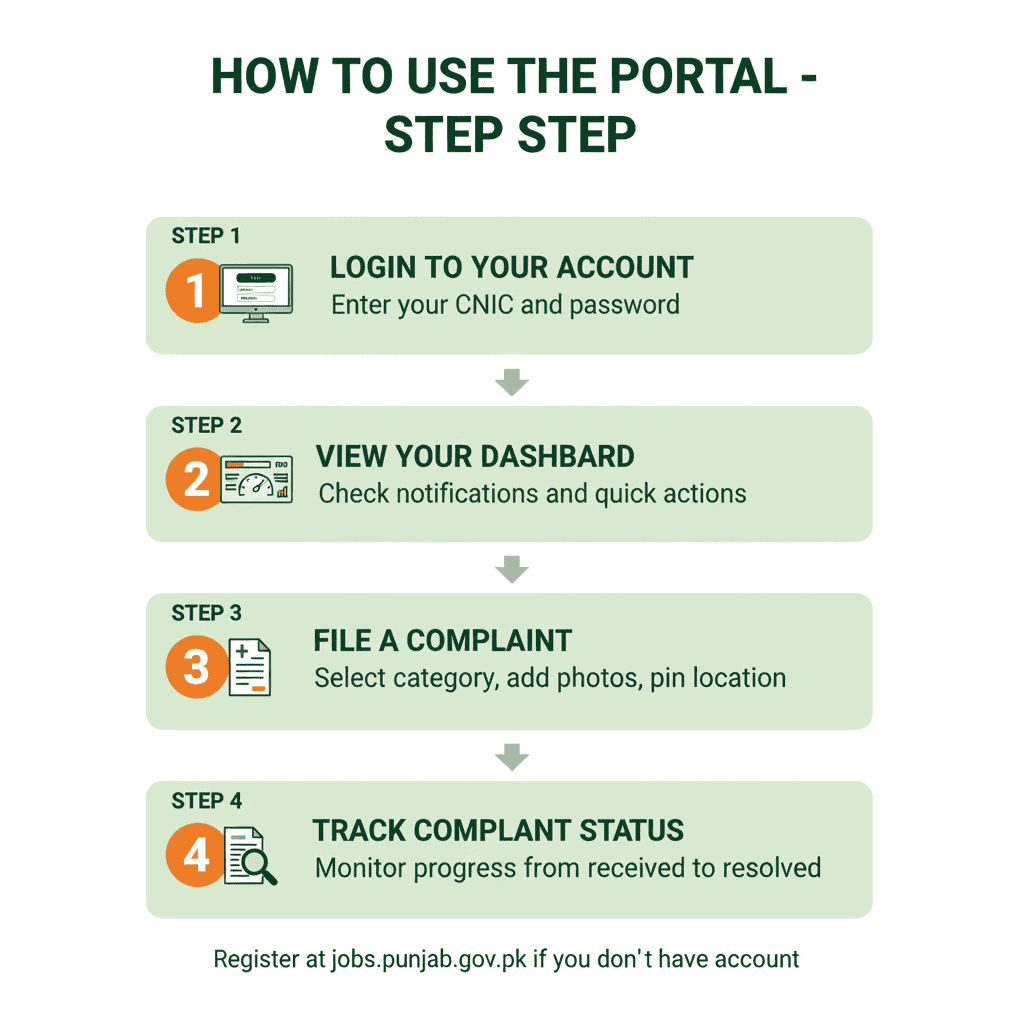
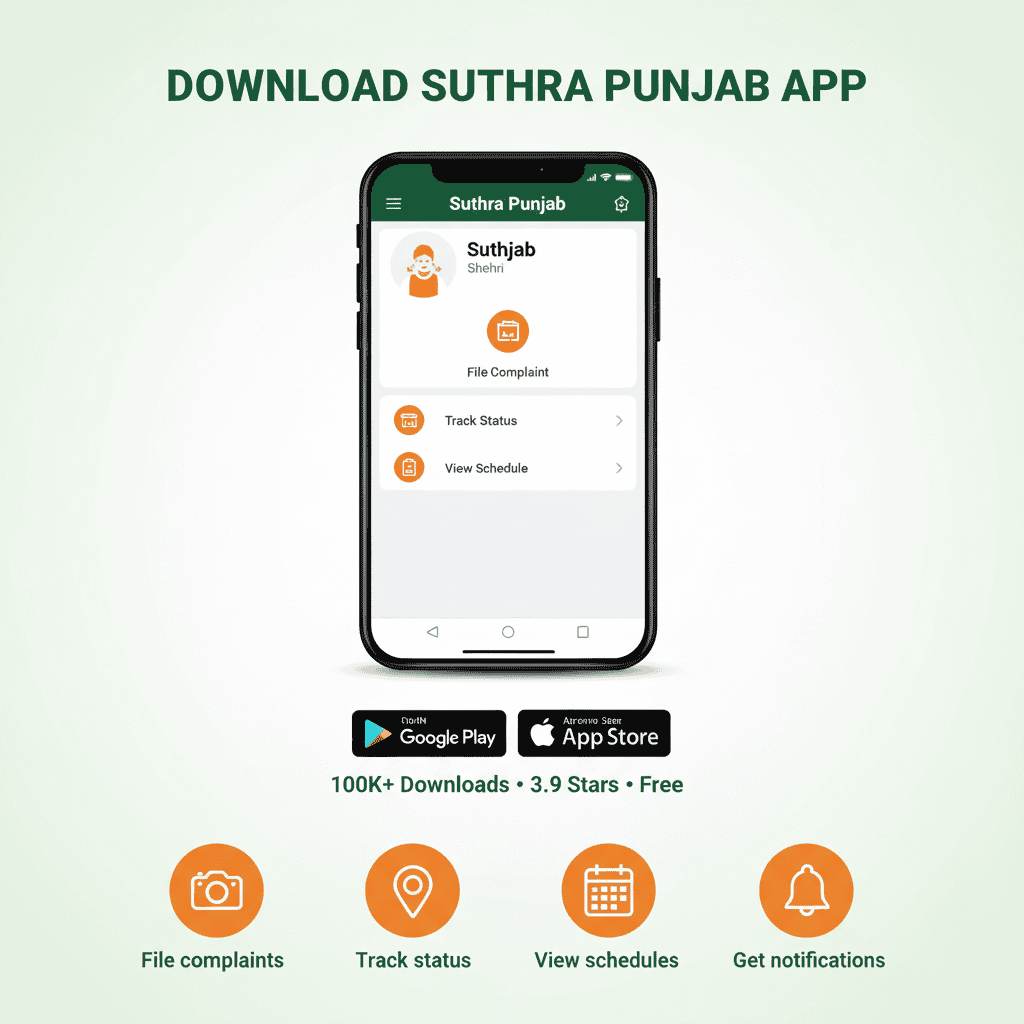
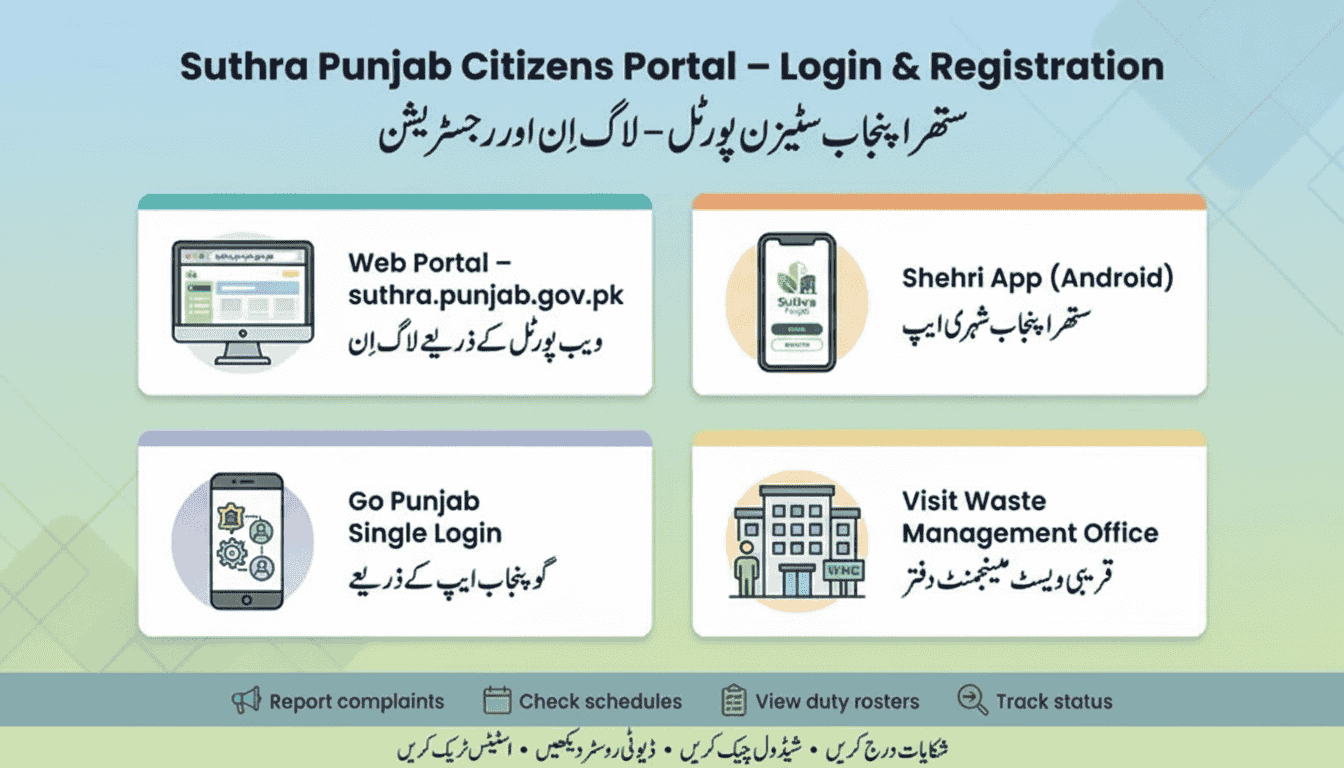
After you sign in through the official website or install the Shehri app on your mobile, the first thing you'll see is the main interface. Think of it as your personal control panel for all things related to sanitation in your neighborhood. Your name and locality appear at the top, and beneath that are large, easy-to-spot buttons for the actions you'll perform most often.
I remember helping my uncle in Faisalabad set up his account last month. He was nervous about using technology, but the dashboard was so intuitive that within ten minutes he had filed his first complaint. "Is it really this simple?" he asked. Yes, it really is.
| Section | Appearance | Function |
|---|---|---|
| Identity Card | Shows your name, masked CNIC (e.g., 35201-*******-1), and your assigned Union Council | Lets you jump to edit personal info or switch accounts |
| One-Click Actions | Icons or cards labelled "New Complaint", "Today's Schedule" | Shortcut to start a report or see when waste is collected |
| Alert Center | Banner showing recent updates on your complaints | Click any alert to view the full details of that specific issue |
| Navigation Drawer | Menu icon (☰) at the corner, listing all features | Access worker lists, feedback forms, language toggle, and help desk |
💡 Pro Tip for New Users
Before doing anything else, take a moment to verify your registered mobile number and residential address. If these don't match the official records, your future complaints might be routed to the wrong sanitation team, causing delays. I've seen this happen—a friend in Lahore had his complaints going to the wrong zone for weeks until we realized his old address was still in the system.
2. Making Sure Your Profile is Right
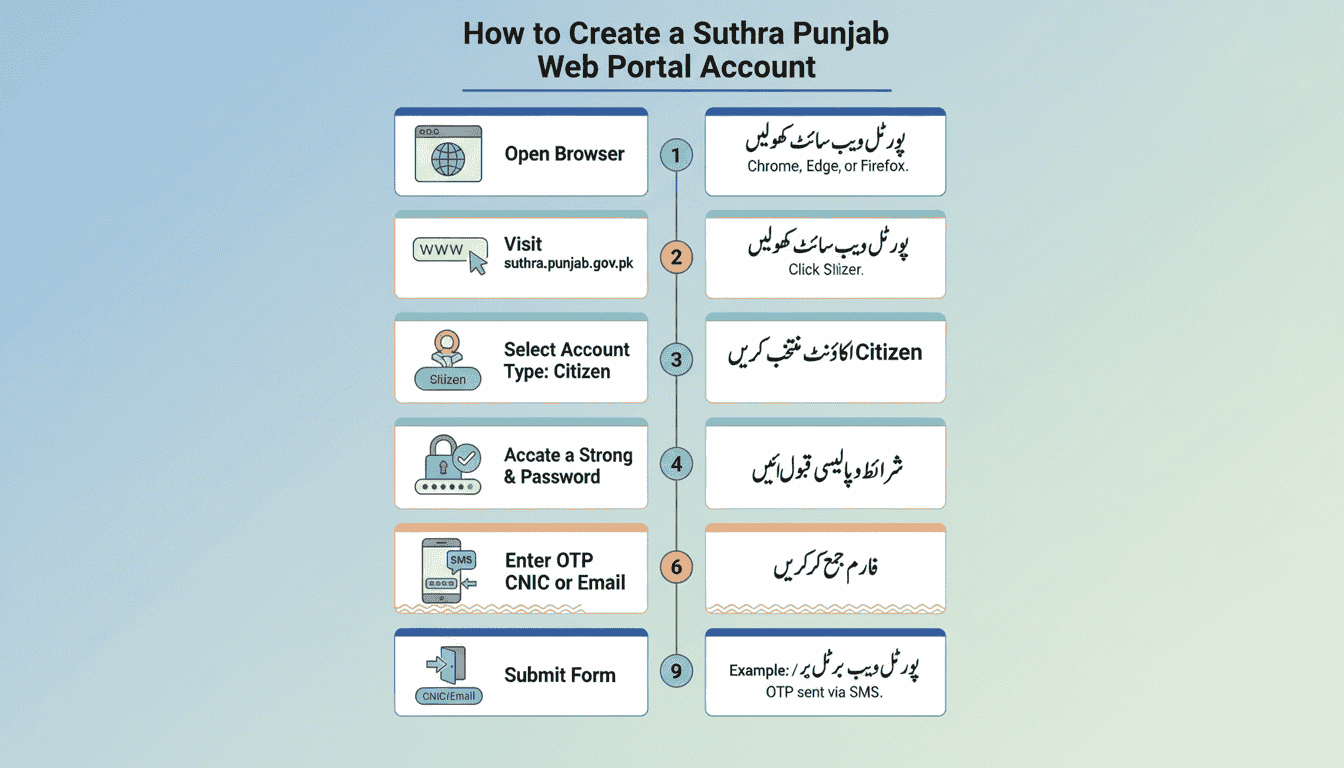
Imagine reporting a pile of garbage, but the system sends it to a different town just because your address had a small typo. To avoid this, keeping your profile up to date is step number one. It takes two minutes and saves weeks of frustration.
Locate Your Profile
Look for a small silhouette icon or your name at the upper right or left corner. Give it a tap. It's usually in the same place on both the website and the app.
Enter Account Preferences
From the dropdown, pick "Edit Profile" or "Personal Details". Don't worry—you won't lose any data by clicking around.
Double-Check Everything
Pay special attention to your District (like Lahore, Faisalabad), Tehsil, and Union Council. These three fields determine which team gets your complaint.
Fix Any Errors
If you moved recently or the app shows an old location, type in the correct one. The system will auto-suggest your union council once you enter your street.
Confirm Changes
Scroll down and press the "Update Information" button to lock in your correct data. You'll see a confirmation message within seconds.
اپنی پروفائل درست کرنے کا آسان طریقہ
اگر آپ کے علاقے کی معلومات غلط ہوں گی تو آپ کی درخواست کہیں اور چلی جائے گی۔ اس لیے پہلے اپنا پروفائل چیک کریں۔ لاہور میں میرے ایک دوست کی شکایات ہفتوں تک غلط زون میں جاتی رہیں کیونکہ اس کا پرانا پتہ سسٹم میں تھا۔
- ✓ اوپر والے حصے میں اپنا نام یا پروفائل تصویر دیکھیں، اس پر کلک کریں۔
- ✓ "Edit Profile" یا "My Account" کا انتخاب کریں۔
- ✓ اپنا شناختی کارڈ نمبر، موبائل اور مکمل پتہ دیکھیں۔
- ✓ ضلع، تحصیل اور یونین کونسل کو ضرور چیک کریں۔
- ✓ اگر کچھ غلط ہو تو درست کر کے "محفوظ کریں" کے بٹن کو دبائیں۔
3. Reporting a Sanitation Problem
Whether trash hasn't been picked up for days, a drain is overflowing, or you spot a dead animal on the road, this is the feature you'll use. Getting the category right speeds up the process dramatically.
3.1 Picking the Proper Category
Each complaint type goes directly to the relevant supervisor. Here's a quick cheat sheet based on what I've learned from talking to control room operators:
| Category Name | When to Select | Real-Life Example |
|---|---|---|
| Garbage Pickup Failure | The waste vehicle hasn't visited your street on its usual day | No collection for the past 72 hours despite bins being full |
| Road Sweeping Needed | Streets, sidewalks, or markets are littered | Papers and plastic bags flying around the bazaar |
| Blocked Drainage | Water isn't flowing and has started to smell | Stagnant, smelly water in front of your house |
| Removal of Dead Animal | A carcass is lying in a public area | Dead cat near the main intersection |
| Miscellaneous | Something not covered above, like illegal dumping | Someone burning trash in an empty plot |
3.2 Filling Out the Form
- Give it a short title: For example, "No garbage truck in Block C for almost a week." Be specific but brief.
- Describe the situation: Mention exactly where and since when the problem exists. "Behind the mosque on Main Street" is better than just "near the market."
- Pin the spot: The map usually picks your current location. You can drag the pin if it's slightly off. This is crucial—a misplaced pin sends the team to the wrong place.
- Add photographs: Take 1-3 clear pictures. Try to include a landmark or street sign in the background. Photos with garbage and a recognizable building get resolved faster.
- Send it in: Hit the submit button and wait for a confirmation message. You'll see a tracking ID on your screen within seconds.
✅ After You Submit
A unique Tracking ID will appear on your screen. Write it down or take a screenshot. The initial status will be "Received" or "Pending Assignment." Typically, you can expect a response within one to three days, though urgent issues like blocked drains during rains are handled faster.
4. Where Does My Complaint Stand?
You don't need to call anyone to know what's happening. Just open the "My Requests" or "History" section to see real-time updates. The status changes as your complaint moves through the system.
| Status Label | What It Means | Your Next Move |
|---|---|---|
| Logged | The system has recorded your complaint and is waiting to assign it to a field team. | Give it some time; check back after a few hours. |
| Allocated | A specific worker or contractor has been given the task. | You can see the name of the person responsible. If you know them, you can follow up directly. |
| Being Addressed | Work has started at the location. | If you see no action on ground, add a comment with more details or a new photo. |
| Marked Done | The team says they have fixed the issue. | Go outside and verify. Then rate their work. If it's not fixed, mark it as incomplete. |
| Archived | The case is closed in the system. | If the problem reappears, file a fresh complaint and reference the old ID. |
⚠️ Heads Up
Sometimes a complaint is marked "Resolved" even though nothing has changed on the ground. This happens when contractors rush to close tickets without doing the work. In that case, go back to that complaint and give a low rating with a note that the work wasn't actually done. Attach fresh photos as proof. The system flags such complaints for review.
How a Shopkeeper in Gujranwala Fixed His Street
Mohammad Akram runs a small general store in Gujranwala's busiest market. For years, the drain in front of his shop would overflow during every rain, flooding his entrance and driving customers away. He complained to the municipal office at least a dozen times. Nothing changed.
Then a customer told him about the Suthra Punjab portal. Akram is not comfortable with computers, so his son helped him register. He filed a complaint with a photo of the overflowing drain and the exact location pinned. Three days later, a team arrived with a suction machine and cleared the drain completely. They even replaced a broken manhole cover.
"I couldn't believe it," Akram says. "Twenty years of complaints, and finally someone listened. Now I tell every shopkeeper on my street—if you have a problem, use the portal. It actually works."
Akram's story is not unique. Across Punjab, thousands of citizens who had given up on government services are discovering that the portal delivers results. The key is the tracking ID—once you have that number, your complaint cannot be ignored.
5. Timetables & Team Information
Check Your Area's Pickup Timings
No more guessing when to put the bins out. The portal shows the scheduled days and approximate time windows for your street. This feature alone has reduced missed pickups significantly.
- Select "Waste Collection Timings" from the menu.
- Allow location access or manually pick your District and Union Council.
- You'll see a weekly calendar with collection days and time slots (like 8 AM to 12 PM). Some areas even have morning and evening slots for commercial zones.
- If the app allows, turn on reminders so you never miss the truck. I have mine set to notify me at 7 AM on collection days.
See the Duty Roster (Who's Working in Your Area)
This feature brings transparency. You can see the names of sanitation workers and, more importantly, their supervisor's contact number. This is incredibly useful when you need immediate action.
- Go to the menu and choose "Field Staff" or "Duty Chart".
- Filter by your Union Council and street.
- A list will appear showing the sanitary workers' names, their shift hours, and the supervisor's phone number. This is handy if you need to report an immediate issue directly—a blocked drain during rain, for example.
شیڈول اور اسٹاف کی فہرست
گاڑی کا وقت: مینو میں "Schedule" پر جائیں، اپنا علاقہ منتخب کریں۔ آپ کو پتہ چل جائے گا کہ کچرا اٹھانے والی گاڑی آپ کی گلی میں کب آتی ہے۔ میں نے صبح 7 بجے یاد دہانی مقرر کر رکھی ہے تاکہ کبھی گاڑی نہ چھوٹے۔
عملے کی تفصیل: "Duty Roster" میں جا کر دیکھیں کہ آپ کے علاقے میں کون صفائی کرتا ہے اور سپروائزر کا نمبر کیا ہے۔ اگر بارش میں نالی بند ہو جائے تو آپ خود سپروائزر کو کال کر سکتے ہیں۔
6. Submitting Feedback and Ratings
The government uses your feedback to judge how well the sanitation company is performing. Contractors' payments are tied to these ratings, so your opinion matters more than you might think. Whether the work was excellent or disappointing, make sure to leave a rating.
Find the Feedback Option
Look for "Give Feedback" or "Rate Service" in the main menu. It's usually near the bottom of the navigation drawer.
Pick What to Rate
You can either rate a previous complaint (by selecting its ID) or give general feedback about your area's cleanliness. Both are valuable.
Rate and Write
Tap on the stars (1 = terrible, 5 = excellent). In the comment box, mention what was done well or what still needs improvement. Specific comments are more useful than vague ones.
Send It
Press the submit button. Your feedback becomes part of the official record and influences future contracts.
7. How Much Time Each Task Takes
Based on real user data and my own experience, here's how long common tasks usually take:
| Task Description | Simple Workflow | Typical Duration |
|---|---|---|
| Update personal info | Profile → Edit → Save | 2 minutes |
| Lodge a new complaint | New Report → Fill fields → Add pictures → Submit | 6–8 minutes |
| Check complaint progress | My Complaints → Pick one → View status | 1 minute |
| Find pickup schedule | Schedules → Choose location → View | 2 minutes |
| Write a review | Feedback → Select complaint → Rate → Comment | 3–4 minutes |
8. Fixing Frequent Hiccups
| Problem You Face | Why It Might Happen | How to Resolve It |
|---|---|---|
| The app keeps closing or freezes | Outdated app version, full phone storage, or weak internet | Update the app, delete unnecessary files, restart your phone, or switch to Wi-Fi. If you're on 2G, the app may struggle—try 3G or 4G. |
| The website won't open properly | Browser might be old, or JavaScript is turned off | Try Chrome or Firefox, enable JavaScript, or clear your browser cache. The portal works best on updated browsers. |
| My area is not listed | New housing scheme, or your profile still has an old address | First, update your profile to the exact Union Council. If still missing, call the helpline. New areas are added regularly. |
| Status shows "Done" but garbage is still there | Worker marked it complete without actually doing the work | Open that complaint, submit negative feedback with a new photo showing the uncleaned area. The system will reopen the complaint. |
| I never get any alerts or updates | Notifications are turned off for this app | Go to your phone settings, find the app, and allow notifications. Also check that your mobile number is correct in your profile. |
📞 Still Stuck? Reach Out.
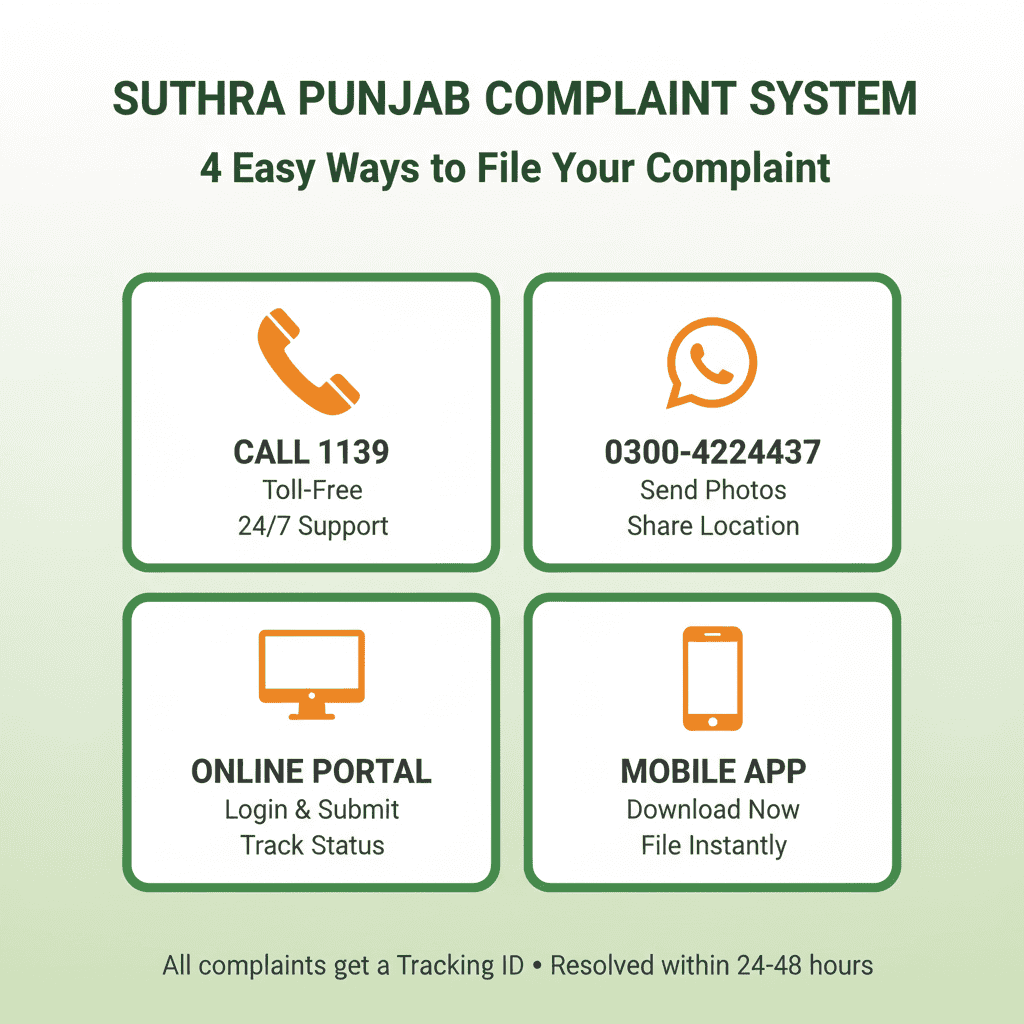
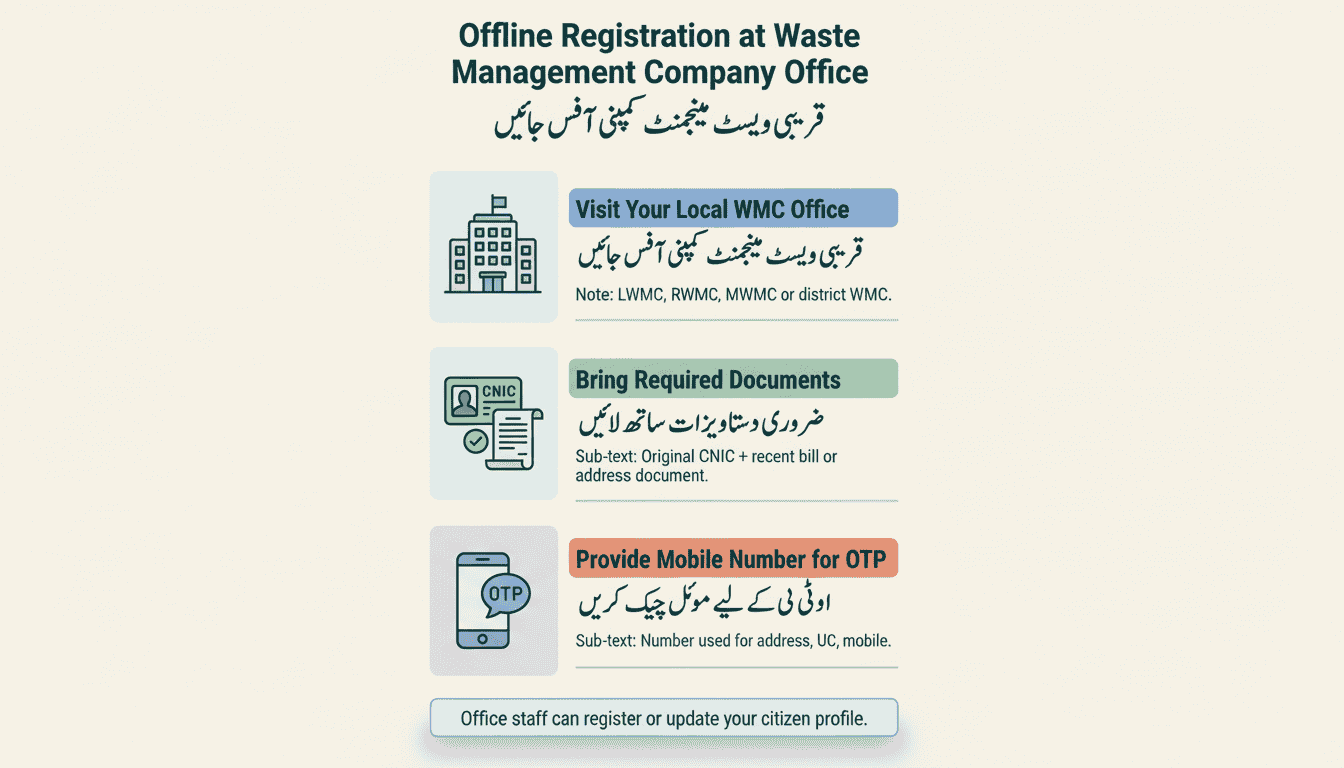
If you've tried everything and the portal still isn't working, or if there's a serious health risk that nobody is addressing, call the Punjab government helpline at 1139. You can also visit the nearest Solid Waste Management office in person. Take your tracking ID and any photos—they'll help the staff understand your issue faster.